
Launch in Days, Not Weeks
Professional one-page website. Only a few slots left this month
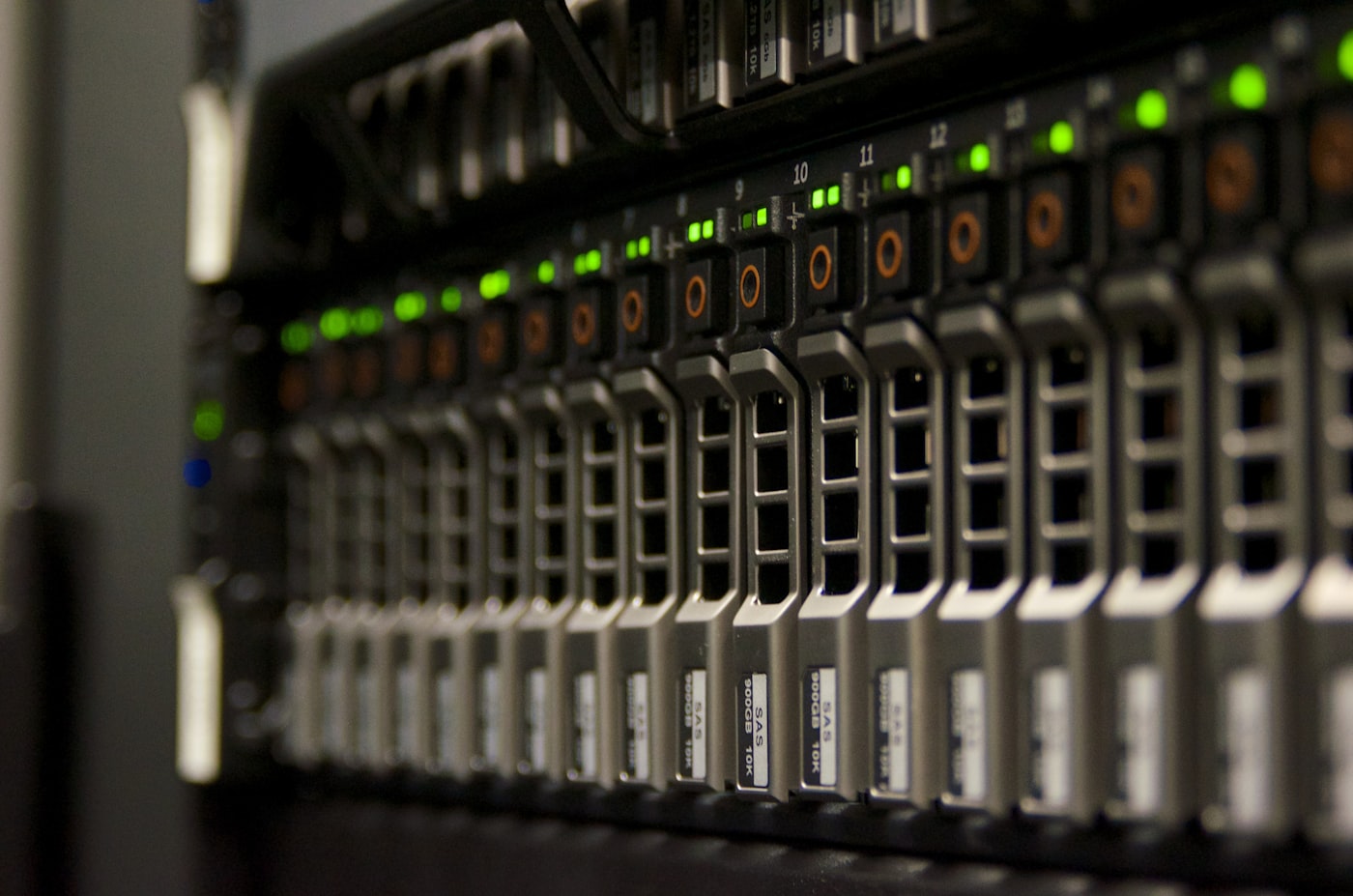
A traditional database finds rows where name = "Smith". A vector database finds content that means the same thing as your question, even if it doesn’t share a single word with it. That difference is why vector databases have quietly become the memory layer behind almost every useful AI system built on business data.
If you’ve sat in a meeting where someone mentioned “embeddings” or “RAG” and nodded along, this is the plain-English version. No database engineering required.
Regular databases are built for exact matches and defined fields: customer ID, order date, invoice total. Ask them to find “the email where the client was annoyed about a late delivery” and they’re stuck unless you know the exact keywords used.
A vector database stores content as numbers that represent meaning, not the words themselves. Two pieces of text about the same idea end up as numbers that sit close together, even if the wording is completely different. That’s what enables “find me something like this” queries at scale: across thousands of documents, emails, or support tickets, in milliseconds.
This is the same underlying idea as semantic search: search by concept, not by string.
Large language models are confident but forgetful. They don’t know your product catalogue, your policy documents, or last week’s support tickets, they only know what’s in their training data and whatever you feed them in the moment.
RAG (retrieval augmented generation) is the fix. Before the AI answers a question, the system retrieves the most relevant chunks of your own data and hands them to the model as context. Vector databases are the retrieval half of that equation, they’re what makes “search my documents by meaning” possible fast enough to feel instant.
Without one, an AI assistant trained on your knowledge base is either guessing or has to be manually spoon-fed the right paragraph every time. With one, it can pull the three most relevant sections from thousands of pages in well under a second.
Four steps, no maths required to understand them:
The database doesn’t “understand” language. It just finds numbers that are close together in space, and closeness in that space correlates strongly with closeness in meaning. Benchmarks like ANN-Benchmarks exist specifically to test how fast and accurately different systems can do this nearest-neighbour search at scale, it’s the core performance question for any vector database.
Most SMBs don’t need a vector database. A handful of use cases genuinely benefit:
If none of that describes what you’re building, you likely don’t need one yet, a well-structured knowledge base and good search on your existing site will cover it.
By 2026 the market has matured into a few clear default choices, according to pricing comparisons across major vector database providers:
| Provider | Best for | Rough cost at 1M vectors | Rough cost at 10M vectors |
|---|---|---|---|
| pgvector | Already running Postgres, want one database not two | ~£10 to 20/mo | ~£35 to 45/mo |
| Qdrant | Best price-performance for most builders | ~£15 to 25/mo | ~£50 to 65/mo |
| Pinecone | Zero ops, fully managed, willing to pay for it | ~£20 to 30/mo | ~£55 to 70/mo |
| Weaviate | Flexible schema, hybrid search out of the box | ~£20/mo entry | ~£100 to 135/mo |
At 100k vectors, a realistic starting point for most SMB knowledge bases, all four options run a few pounds a month. The gap only opens up once you’re past a few million records. Worth noting: vendor pricing pages tend to understate real production costs once you factor in redundancy and query volume, so budget with some headroom.
Gartner projects that by 2026 more than 30% of enterprises will have adopted vector databases to ground their AI systems in real business data, but the same research notes plenty of organisations still have no production RAG system running at all. The gap between “we bought the tool” and “it actually works” is mostly about implementation, not the database choice.
Vector databases are infrastructure, not a website feature: but they matter if you’re planning an AI assistant, smarter support search, or a recommendation system that needs to understand your content rather than just tag it. We scope this kind of work as part of Fernside’s AI systems service, separate from your core site build.
If you’re not there yet, get the foundations right first: a fast, well-structured site on a Launch Sprint or Studio Site, with content organised in Fernside CMS so it’s ready to feed into a retrieval system later without a rebuild.
For the fuller picture on how retrieval augmented generation ties into this, see our companion guide on RAG for business, and get in touch via our contact page if you’re weighing up whether your business actually needs one.