
Launch in Days, Not Weeks
Professional one-page website. Only a few slots left this month
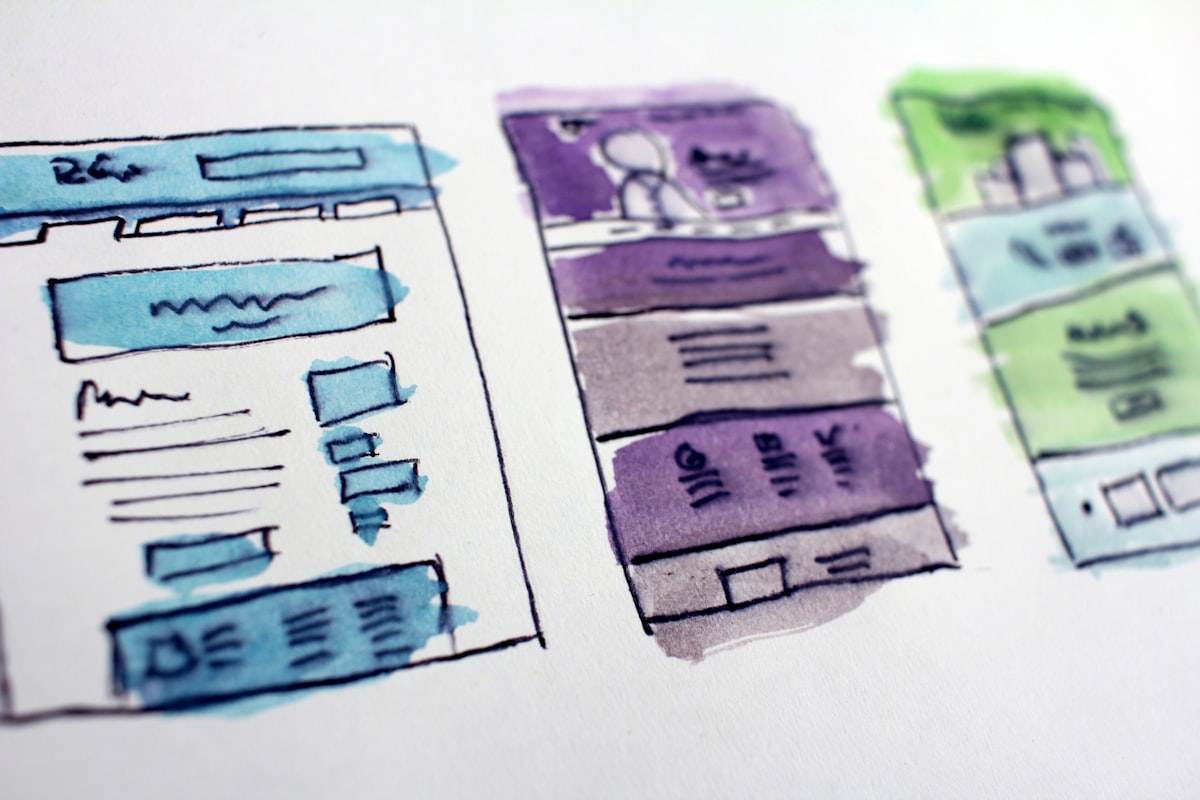
Your navigation has 11 top-level items. Three of them are products from a 2022 launch that nobody bought. Your prospects bounce because they cannot find what they came for. Information architecture is the discipline that fixes more conversion problems than any new homepage hero.
Information architecture is not just a sitemap. It is the underlying logic that determines how content is organised, labelled, and navigated on a website.
A sitemap is a list of pages. Information architecture is the reasoning behind which pages exist, why they are grouped the way they are, what they are called, and how users move between them.
The practical disciplines within IA that matter for B2B marketing sites:
Hierarchy: what is at the top level, what is nested, what depth does the structure go to.
Labelling: the words used in navigation, headings, and categories. Whether users understand these labels without explanation.
Navigation patterns: how users move through the site. Primary nav, secondary nav, in-page links, search.
Orphan prevention: ensuring every page is reachable from somewhere, not just through a direct URL.
1. Mutually exclusive categories. Navigation items should not overlap. If “Solutions” and “Services” appear alongside each other and mean different things, users cannot predict where to find what they need. If they mean the same thing, you have one too many.
2. Scannable labels. Navigation items should be understood without context. “Resources” is ambiguous. “Case Studies and Guides” tells the user what is inside.
3. Predictable navigation. Users expect certain conventions: the logo links to the homepage, “Contact” is in the top right, primary services are one click from the homepage. Break these conventions only when you have a strong reason.
4. No orphan pages. Every page should be reachable from at least two navigation paths. Pages that can only be found through direct URL or search engine queries miss opportunities for in-session discovery.
5. Shallow depth. The fewer clicks between the homepage and any important content, the better. Three clicks maximum is the standard guidance. A prospect should be able to reach your most important service page from the homepage in one click.
Solo founder / early-stage business:
That is often enough. Adding pages that don’t yet have content to fill them is counterproductive. A four-page site with strong content on each page performs better than a twelve-page site with four pages of real content and eight pages of placeholder copy.
Growing service business:
Multi-product SaaS:
Mid-market services firm:
The pattern across all stages: services and products are almost always the most important section. They should be in the primary navigation, not buried under “Solutions” or “Offerings.”
Simple horizontal navigation remains the most effective pattern for most B2B marketing sites. Five to seven top-level items, clearly labelled, with dropdowns only where the sub-pages have distinct enough identities to justify them.
Mega menus are appropriate for large enterprises with genuinely complex offering structures. A consultancy with eight practice areas, multiple sectors, and dozens of sub-services might justify a mega menu. A ten-person agency probably does not. Mega menus add cognitive load; use them only when the structure genuinely requires it.
Sticky navigation (nav that stays visible as you scroll) is almost universally beneficial on marketing sites. It keeps the primary CTA within reach at every point on the page.
Breadcrumbs are useful on sites with deep structures: ecommerce, documentation, large content libraries. On a ten-page marketing site, breadcrumbs add complexity without benefit.
Navigation labels are where B2B sites consistently make costly errors.
“Solutions” vs “Services”: in a B2B context, “Solutions” has become generic to the point of meaninglessness. Buyers don’t think “I need a solution.” They think “I need help with [specific problem].” Use the concrete term: “Services”, “Products”, or the actual service name.
“Resources” vs “Insights” vs “Content”: all three are vague. “Case Studies and Guides” or “Blog” tells the user exactly what to expect. If you have a mix of content types, “Insights” is acceptable; anything more abstract is not.
“About” vs “Company” vs “Who We Are”: “About” is understood universally. “Company” works. “Who We Are” wastes space.
“Get in Touch” vs “Contact” vs “Talk to Us”: “Contact” is the most universal and requires no interpretation. “Get in Touch” or “Talk to Us” can work as secondary CTAs, but for navigation, clarity beats personality.
Tree testing is the most reliable way to validate navigation structure before building. The method: present your proposed navigation structure (without the actual site) and ask users to find specific content. If users consistently cannot find your key service page in under three clicks, your structure needs revision.
Optimal Workshop offers a free tree testing tool. A five-question test with 20 responses takes an afternoon to set up and provides clear signals about where users get lost.
Card sorting helps when you’re unsure how to group items. Give users digital cards with your page names and ask them to group them in a way that makes sense to them. The clusters they form tell you how your audience thinks about your content.
Click tracking on a live site (Hotjar, Microsoft Clarity) shows which navigation items are actually used. An 11-item navigation where three items receive 80 percent of clicks is a signal to simplify.
A real example: a professional services firm with 11 top-level navigation items reduced to 6 after a tree test. Three items had near-zero usage. Two were reachable from other sections. One was renamed for clarity. Bounce rate on the homepage fell by 18 percent in the following 30 days.
Information architecture is unglamorous work. It does not produce a before-and-after screenshot that travels well on LinkedIn. But it is the structural change that makes every other improvement on your site work better. A beautifully designed homepage with a confusing navigation is still a site that loses buyers.
If your site navigation is a history lesson rather than a clear map, Fernside Studio’s web design service starts with a content and navigation audit before any design work begins. Book a scoping call to discuss your current structure and what a cleaner architecture could look like.